


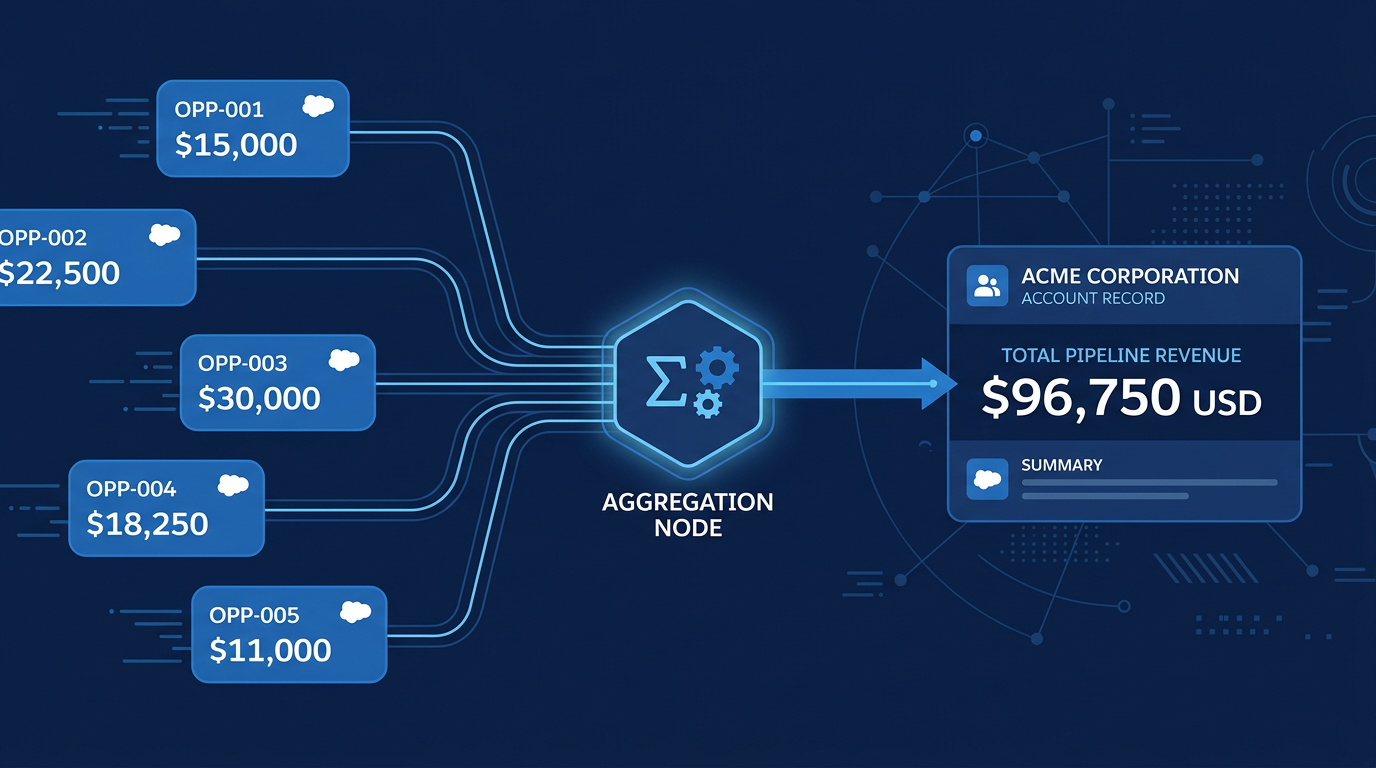
Salesforce Flow provides increasingly powerful tools for automating complex business logic without writing code. Among the most useful and consistently underused is the Transform Aggregate function. It handles calculations across record collections directly inside Flow Builder, eliminating the need for Apex in scenarios that previously had no clean declarative alternative. This guide walks through exactly what Transform Aggregate is, why it matters, and how to use it to solve a real business problem: automatically populating the total Closed Won Opportunity amount directly on an Account record.
The Business Problem
Sales teams need visibility into total revenue generated per account. The most natural place to surface this is directly on the Account record a single field showing the sum of all Closed Won Opportunity amounts for that account. Salesforce provides roll-up summary fields for master-detail relationships, but Opportunities and Accounts share a lookup relationship, not a master-detail. Roll-up summaries are not available by default. The traditional workarounds Apex triggers or third-party tools introduce complexity and maintenance overhead that most organizations would prefer to avoid. Transform Aggregate solves this entirely within Flow Builder, with no code required.
What You Need Before Building
Two things need to be in place before creating the flow. First, a custom currency field on the Account object to store the calculated total — label it something clear like Total Closed Won Opps Amount, with API name Total_Closed_Won_Opps_Amount__c. Second, confirm that your Opportunity Stage picklist includes Closed Won as a value, which it does in any standard Salesforce org.
.png)

The Flow — Step by Step
Step 1: Create a Record-Triggered Flow on Opportunity
In Flow Builder, create a new Record-Triggered Flow with the following configuration. Set the object to Opportunity. Set the trigger to fire when a record is created or updated. Add an entry condition: Stage equals Closed Won. Set the optimization to Actions and Related Records, which allows the flow to update related records like the parent Account. This ensures the flow runs specifically when an Opportunity moves to Closed Won — the moment when the Account's total needs to be recalculated.
.png)
Step 2: Get Records — Fetch All Closed Won Opportunities for the Account
Add a Get Records element to retrieve all Closed Won Opportunities associated with the same Account as the triggering record. Set the conditions to Stage equals Closed Won and AccountId equals the triggering Opportunity's AccountId. Configure the element to store all records in a collection — this gives you the full set of Closed Won Opportunities for that Account, which the next step will aggregate.
.png)
Step 3: Transform — Aggregate with Sum
This is the core of the solution. Add a Transform element and configure it as follows. Set the source collection to the collection returned by your Get Records element. Set the aggregate type to Sum. Set the field to aggregate to Amount. The Transform element processes the entire collection and outputs a single aggregated value — the sum of the Amount field across all records in the collection. No loop required. No manual accumulation through assignment elements. One element, one output, one result.
.png)
Step 4: Update the Account Record
Add an Update Records element to write the aggregated value back to the Account. Target the Account record associated with the triggering Opportunity using the AccountId field. Set the Total Closed Won Opps Amount field to the output value from the Transform element. The flow is complete.
.png)
Testing the Flow
Activate the flow and open any Account that has related Opportunities. Create or update an Opportunity linked to that Account and set its Stage to Closed Won. Save the record, then navigate to the parent Account. The Total Closed Won Opps Amount field updates automatically, reflecting the sum of all Closed Won Opportunities for that Account. Change a second Opportunity to Closed Won and save — the Account field updates again, now reflecting the new total. The automation handles every subsequent change without any manual intervention.
Why Transform Aggregate Is Worth Learning
The specific use case here — summing Opportunity amounts on a lookup parent — is one of the most frequently requested automations in Salesforce, and Transform Aggregate solves it cleanly. But the function is not limited to sum calculations. It supports count, minimum, maximum, and average as aggregate types, making it applicable across a wide range of scenarios where you need to derive a single calculated value from a record collection. Compared to the loop-based alternative — iterating through a collection, evaluating each record, and manually accumulating a running total through assignment elements — Transform Aggregate is faster to execute, simpler to build, easier to read, and more maintainable over time. As data volumes grow, the performance difference becomes increasingly significant. For admins and developers who want to build automation that handles real business calculations at scale without Apex, mastering Transform Aggregate is one of the most high-return skills in Flow Builder.