


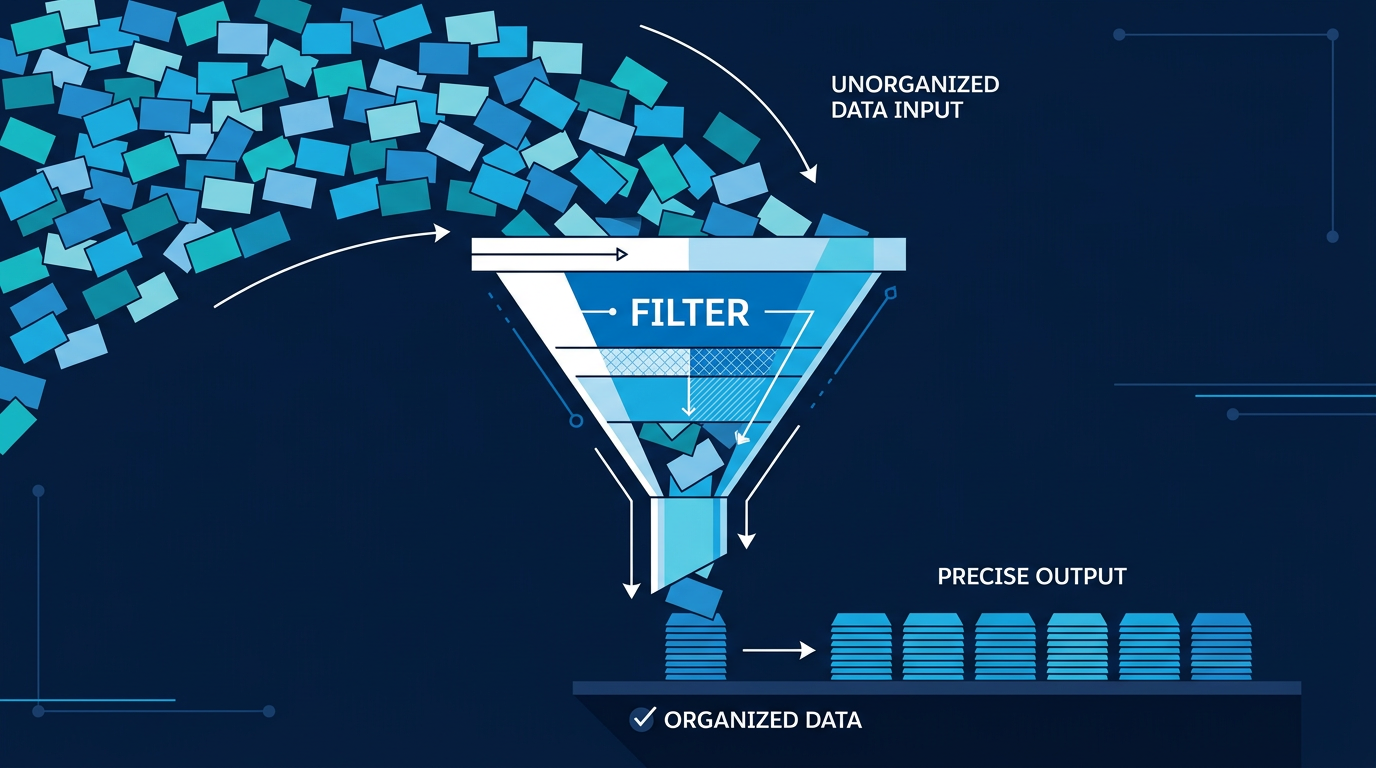
Salesforce Flow Builder has become the primary tool for declarative automation across the platform handling everything from simple record updates to complex multi-step business processes. As flows grow in scope and data volumes increase, two things matter more than almost anything else: performance and readability. A flow that is difficult to understand is a flow that is difficult to maintain. A flow that is slow is a flow that is costing your org governor limit headroom.
Collection Filters address both concerns directly and if you are still relying on loops to filter records, understanding this feature will meaningfully change how you build automation.

What Collection Filters Are
When a flow retrieves records using the Get Records element, it returns a collection often containing more records than the flow actually needs to work with. Before Collection Filters existed, narrowing that collection down to the relevant subset required a loop, a decision element to evaluate each record, and an assignment element to add qualifying records to a new collection. Three elements, repeated logic, and a loop iterating over every record in the collection. Collection Filters replace all of that with a single element. You provide an existing record collection, define one or more conditions, and the element outputs a new filtered collection containing only the records that meet your criteria instantly, without looping. The result is less canvas clutter, cleaner logic, and significantly better performance on large datasets.
.png)
Why This Matters in Practice
Performance
Loops are one of the most common contributors to slow flow execution and governor limit consumption. Every iteration of a loop is a processing step, and when collections are large, those steps add up quickly. Collection Filters process the entire collection in a single operation no iteration, no per-record overhead. For flows handling significant data volumes, the difference in execution time and limit usage is substantial.
Readability and Maintainability
A flow canvas with a loop, decision, and assignment chain is harder to read than a single Filter Collection element. When someone else or a future version of you needs to understand or modify the flow, a clean filter element communicates intent immediately. The loop approach requires reading through multiple connected elements to understand what is actually happening. This matters more than it seems in organizations where flows are maintained across teams over time.
Scalability
Data volume grows as organizations grow. A flow built with loops that performs adequately today may hit performance walls twelve months from now as the record counts it processes increase. Collection Filters scale more gracefully, keeping automation fast and reliable as the org evolves.
.png)
.png)
.png)
How Collection Filters Work
The pattern is straightforward and applies across a wide range of use cases. First, use Get Records to retrieve a collection for example, all Contacts related to an Account, or all open Cases for a given queue. This gives you the full set to work from. Next, add a Filter Collection element. Define the conditions that records must meet to be included in the output field equals a specific value, field contains a string, field is greater than a threshold. Multiple conditions can be combined with AND or OR logic depending on your requirements. Finally, use the filtered collection as the input for whatever comes next in your flow an Update Records element, a loop for processing, an email action, or any other element that accepts a record collection. The filtered collection contains only the records that met your conditions. Everything else has been removed before any further processing occurs.
A Practical Example: Filtering Accounts by Rating
Consider a flow that retrieves a collection of Account records and needs to process only those with a Rating of Warm. Using the traditional loop approach, the flow would loop through every Account in the collection, use a Decision element to check whether the Rating field equals Warm, and use an Assignment element to add qualifying records to a separate collection. This works but it iterates over every record regardless, creates three elements where one is sufficient, and becomes progressively slower as the Account collection grows. Using a Collection Filter, a single Filter Collection element applies the condition Rating equals Warm to the entire collection and outputs only the matching records. The loop is gone. The decision is gone. The assignment is gone. The logic is the same. The implementation is dramatically cleaner.
Best Practices
Filter as early in the flow as possible. The sooner you reduce the size of the collection you are working with, the less work every subsequent element has to do. Apply Collection Filters immediately after Get Records rather than carrying the full collection further into the flow than necessary. Combine conditions thoughtfully. A single filter element can handle multiple conditions simultaneously use this to avoid chaining multiple filter elements when the logic can be expressed in one. Test with realistic data volumes. The performance benefits of Collection Filters are most pronounced at scale testing with production-representative data gives you an accurate picture of the improvement and helps validate that the filter logic is working as expected. Label elements clearly. A Filter Collection element labeled Filter Warm Accounts communicates its purpose immediately. Good labeling is the simplest thing you can do to make a flow maintainable by anyone who encounters it later.
The Broader Principle
Collection Filters are a specific feature, but they illustrate a broader principle that applies across all Salesforce Flow design: the best flow is the one that accomplishes its purpose with the minimum number of elements, the minimum processing overhead, and the maximum clarity about what it is doing and why. Every loop you can eliminate is a performance improvement and a readability improvement simultaneously. Every time a single element can replace a three-element chain, the flow becomes easier to build, easier to test, easier to maintain, and more resilient as data volumes grow. If you are building flows that handle record collections, Collection Filters should be a default part of your design approach not an optimization you apply after the fact.