


Salesforce is not a standard CRM. It is an enterprise platform operating inside a multi-tenant, governor-limited environment where the decisions you make during design have compounding consequences, for performance, for maintainability, and for the teams that inherit what you build. Understanding what to build is only half the challenge. Understanding how to build it is what separates solutions that scale from solutions that accumulate technical debt.
This guide covers the core best practices every Salesforce architect, developer, and admin should apply, from initial discovery through architecture, automation, integration, and governance.
1. The Golden Rules, Principles That Apply to Every Solution
Always Start Declarative
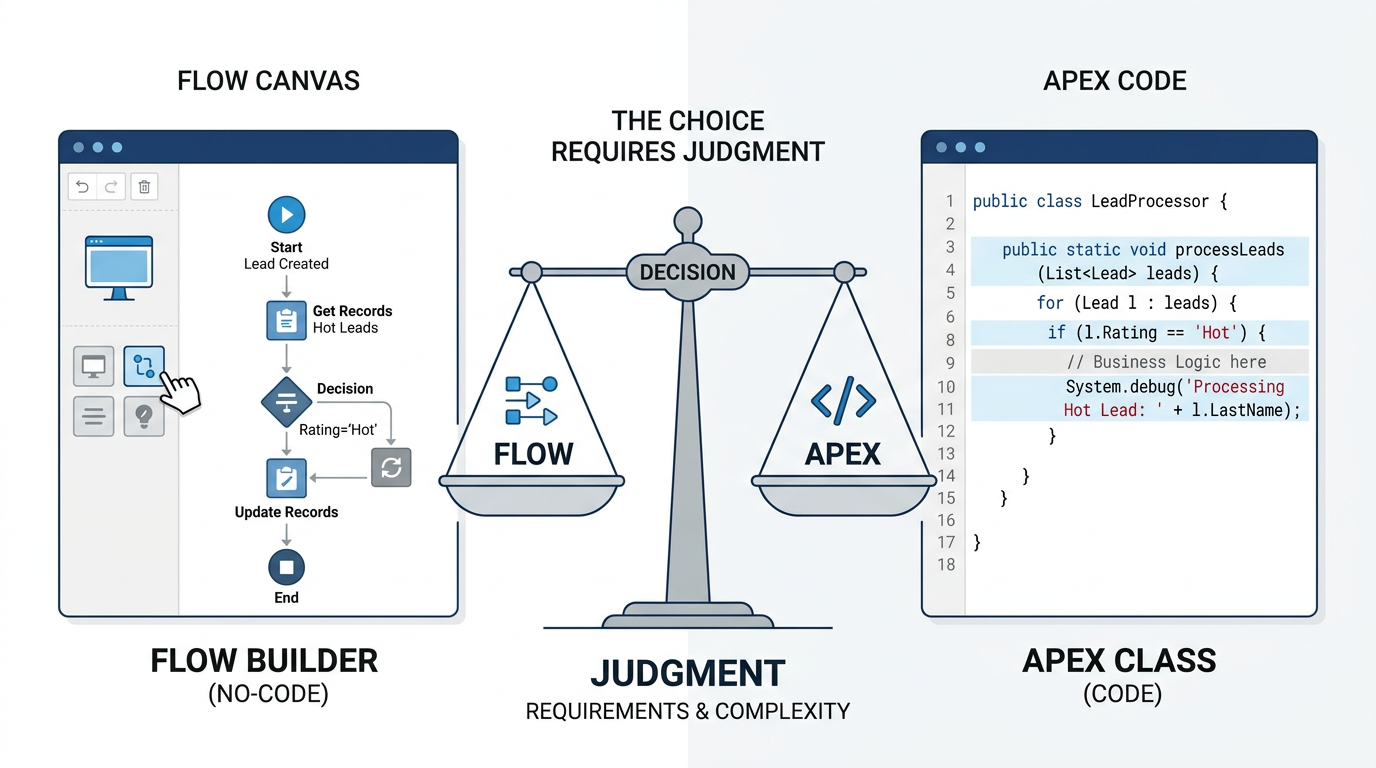
Before writing a single line of Apex, ask one question: can this be done in Flow? Salesforce's low-code tooling, especially Record-Triggered Flows has matured significantly. It is bulk-aware, highly performant, and far easier for admins to own and maintain over time. Use Flow when the logic is straightforward, when a screen interaction is needed, or when long-term admin ownership is the right outcome. Reach for Apex when logic is genuinely too complex for Flow, when high-performance processing is required, or when advanced integrations and data transformations demand it. The default position should always be declarative Apex is the escalation path, not the starting point.
Bulkification Is Non-Negotiable
Salesforce processes records in bulk, even when a user acts on a single record. Every Apex solution must be designed with this in mind from the beginning. SOQL queries and DML statements inside loops are among the most common and most damaging mistakes in Salesforce development they consume governor limits rapidly and create solutions that work in testing and fail in production. Design for 200 or more records as the baseline expectation. Treat governor limits not as constraints to work around but as design parameters that shape your architecture from the start.
One Trigger Per Object
Multiple triggers on the same object produce unpredictable execution order and are genuinely difficult to debug and maintain. The standard is one trigger per object and that trigger should contain no business logic. Keep triggers clean and thin, delegating all logic to handler or service classes through a trigger framework. This separation makes testing easier, logic reusable, and the codebase significantly more maintainable as it grows.
Security Is Architecture, Not an Afterthought
Security built in from the beginning is fundamentally different from security retrofitted at the end. Use with sharing in Apex by default. Enforce Field-Level Security and respect object permissions consistently. These are not optional considerations for certain project types they are baseline requirements for every solution on a platform that handles enterprise data.
2. The Discovery Phase What to Evaluate Before You Build
The most consequential decisions in any Salesforce project are made before a single component is created. The discovery phase is where requirements get translated into architectural direction and where assumptions left unexamined become expensive problems later. Three pillars deserve evaluation at this stage. Data volume and growth trajectory determine whether your object model and query design will hold up as the platform scales. Process complexity determines whether automation can remain declarative or will require programmatic support. Integration scope determines what the platform needs to connect to, how those connections should be architected, and what the failure modes look like. Skipping this phase in favor of moving quickly is one of the most reliable ways to ensure a painful redesign within twelve months.
3. Architecture and Solution Design
Prefer Standard Over Custom
Standard objects and standard features carry the weight of Salesforce's platform investment they are optimized, well-documented, and supported through upgrades. Custom objects have their place, but every unnecessary custom object is a maintenance burden and a potential performance concern. Start with the standard data model and extend it deliberately, not habitually.
The Four-Step Solution Framework
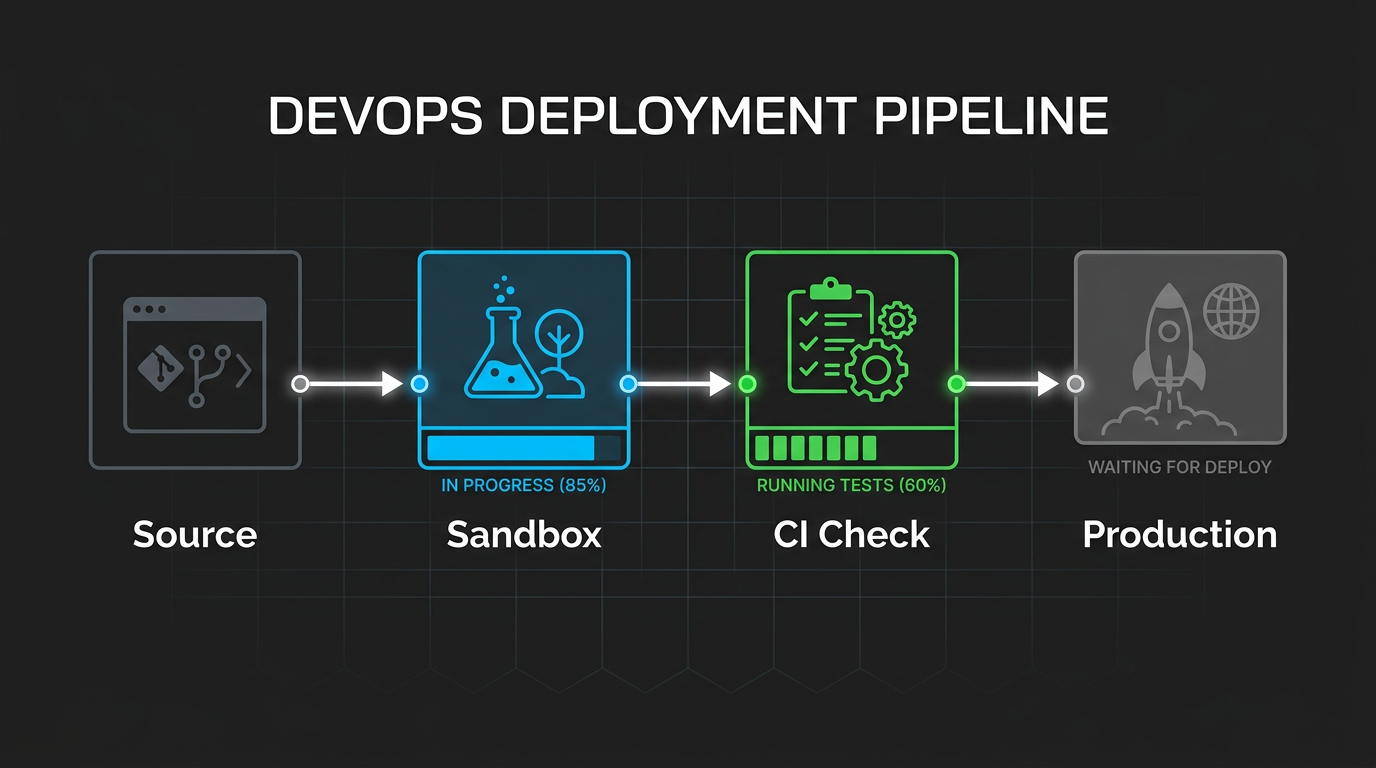
When a new requirement arrives, a disciplined approach prevents the most common failure mode in Salesforce development: building exactly what was asked for without understanding why it was asked. Begin with requirements and impact analysis. Understand the business need behind the request, identify downstream impacts, review existing automations for conflicts, and map business requirements to technical components before touching the configuration. What looks like a simple request at the surface frequently has implications across multiple objects, processes, and integrations. Design for reusability through the service layer pattern. Logic duplicated across triggers, flows, and UI components is logic that will eventually fall out of sync creating inconsistency that is difficult to trace and expensive to correct. Centralize business logic in service classes and call it from wherever it is needed. A customer health score calculation belongs in AccountService.cls, callable from a trigger, a Flow via invocable method, and an LWC not reimplemented in each. Test thoroughly and deploy correctly. Aim for ninety percent or above meaningful test coverage not coverage for coverage's sake, but tests that validate bulk scenarios, negative cases, and edge conditions that production will eventually encounter. Deploy through source-driven development using SFDX and CI/CD tooling. Never develop directly in production.
4. Automation Strategy
Overlapping automation a trigger and a flow both responding to the same record change is one of the most common sources of unexpected behavior on mature Salesforce orgs. Minimize it deliberately. When automation exists, document ownership clearly so future changes do not create conflicts that take hours to diagnose. Use entry conditions and decision nodes to ensure automations run only when they genuinely should. Avoid recursive updates, which can consume governor limits rapidly and create loops that are difficult to detect in testing. For long-running or resource-intensive tasks, prefer asynchronous processing future methods, Queueable Apex, or Batch Apex over synchronous execution that blocks the user experience and risks hitting limits.
5. Integration Best Practices
Event-driven architecture using Platform Events and Change Data Capture is the right default for Salesforce integrations it decouples systems, handles failures gracefully, and scales more cleanly than synchronous point-to-point connections. Use Named Credentials for all authentication. Hardcoded credentials anywhere in configuration or code are a security liability and a maintenance problem. Never place callouts inside triggers triggers run synchronously in a transaction context where callout failures can cause unpredictable rollback behavior.

6. Performance and Scalability
Hardcoding values IDs, thresholds, configuration parameters creates fragility. Use Custom Metadata Types or Custom Settings to externalize configuration so it can be updated without code changes or deployments. Use asynchronous Apex wherever the use case allows: @future for simple async needs, Queueable for chained processing, Batch Apex for large data volumes. Optimize every SOQL query with selective filters that leverage indexes. Reduce UI payload by loading only the fields and components each page actually requires. Monitor data skew and ownership skew proactively both create locking and performance issues that are very difficult to address retroactively at scale. Implement a logging framework from the start. Nebula Logger is the most widely adopted option in the Salesforce ecosystem and provides structured, queryable logging without significant overhead.
7. Governance, Documentation, and Technical Health
Governance is what separates an org that improves over time from one that degrades. Enforce coding and naming standards consistently. Maintain a release calendar so changes are coordinated rather than ad hoc. Review technical debt on a regular cadence debt that is acknowledged and scheduled is manageable; debt that is ignored compounds until it becomes a replatforming conversation. Documentation is not a project deliverable it is an ongoing operational practice. Object and field descriptions, flow diagrams, integration contracts, and architecture decision records reduce onboarding time, prevent repeated mistakes, and make the platform navigable for everyone who works on it after the original builder has moved on. The best Salesforce solutions are not the ones built fastest or the ones using the most sophisticated techniques. They are the ones where every decision from data model to automation strategy to deployment pipeline — was made deliberately, with the long-term health of the platform in mind. That discipline is what scalability actually looks like in practice.