

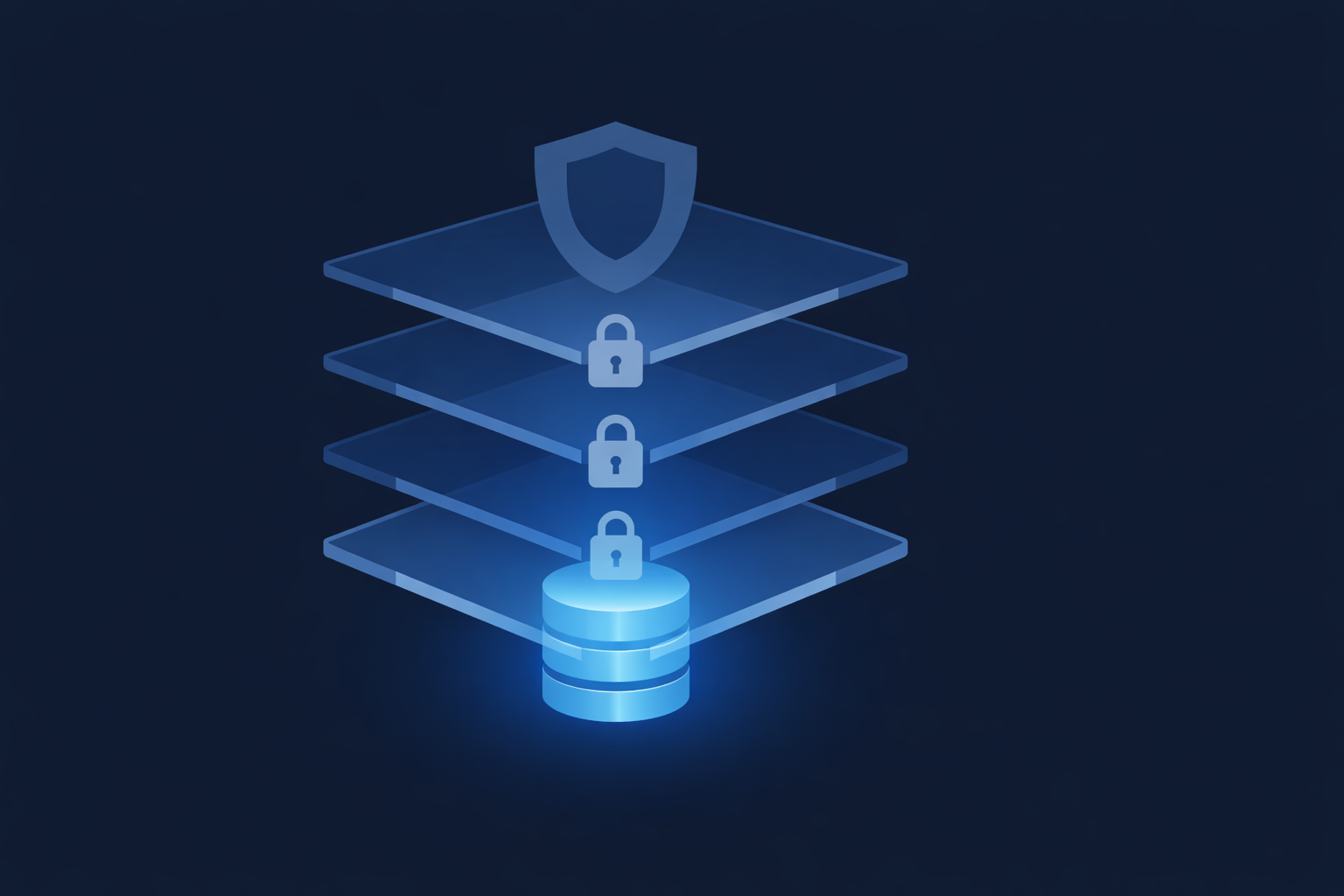
In today’s digital landscape, protecting your organization's data is paramount. Data security in Salesforce deals with the sharing settings and visibility between users across an organization. The platform utilizes a flexible, layered sharing model that allows administrators to assign different data sets to different users with precision. Whether you are a new administrator or a seasoned pro, understanding the four levels of data access, Organization, Object, Field, and Record—is essential for maintaining a secure environment.
.png)
1. Organization Level: Securing the Perimeter
The first line of defense is controlling who can log in to your Salesforce instance. At the Organization Level, you maintain a list of authorized users, set password policies, and restrict when and from where users can log in.
- Password Policies: Administrators can enforce password length, complexity, and expiration periods to ensure credentials remain secure.
- IP Restrictions: You can specify a range of "trusted" IP addresses. At the organization level, users logging in from outside this range receive a login challenge (like a code via email).
- Login Hours: By default, access is allowed anytime. However, administrators can restrict login hours based on profiles. For instance, you can prevent employees from accessing customer data during evenings or weekends.
User Management Tip: You cannot delete a user record in Salesforce; you can only deactivate or freeze them. Deactivating a user frees up their license for new users, while freezing them simply prevents login while you resolve administrative steps, but it does not free up the license. This is important to note that you can’t delete user so all better to create test users only in Sandbox otherwise production will have unnecessary users.
2. Object Level: The Simplest Control
Object-level security acts as the gatekeeper for data types. It controls whether a group of users can create, view, edit, or delete any records of a specific object (like Invoices or Candidates). This is primarily managed through Profiles and Permission Sets.
- Profiles: Every user must have one profile. Profiles determine what users can do (permissions) and see (settings), such as apps, tabs, and fields. Profiles are restrictive; for example, a "Read Only" profile limits access strictly to viewing data.
- Permission Sets: These are additive. You can use permission sets to grant additional permissions to specific users on top of their base profile without changing the profile itself. This is ideal for granting temporary access or access to specific custom objects for a subset of users.
3. Field Level: Granular Visibility
Sometimes, a user needs access to an object but shouldn't see every piece of data within it. Field Level security restricts access to specific fields, even if the user has access to the object.
For example, a hiring manager and an interviewer might both need access to a "Candidate" object, but you can make the "Salary" field invisible to the interviewer via Field Level security. Crucially, this security applies to every part of the app, including search results, reports, and list views, not just the page layout.
4. Record Level: Precision Sharing
This is often the most complex layer. Record Level security determines which individual records a user can access. It allows users to view an object but restricts them to specific rows of data.
To implement this, Salesforce uses four primary methods, often calculated based on the "most restrictive settings win" rule:
- Organization-Wide Defaults (OWD): This sets the baseline. OWDs should be the most restrictive level of access (e.g., Private or Public Read Only) because other sharing tools can only open access, never restrict it further.
- Role Hierarchies: This ensures that managers automatically have access to the same records as their subordinates. It opens up access vertically within the organization.
- Sharing Rules: These are automatic exceptions to the OWD. You can create rules to share records based on the record owner or specific criteria with public groups or roles.
- Manual Sharing: For one-off situations, record owners can manually share a specific record with other users using the "Sharing" button. This is useful when you cannot predict a consistent group of users who need access.
.png)