

What Is Zendesk
Zendesk is a cloud service for managing customer support. Its ticketing system gives a support team one place to receive, assign, answer, and track customer requests. A ticket keeps the conversation, its owner, and its current status together, so another agent can see what has already happened.
Zendesk Support focuses on core ticketing, while Zendesk Suite combines ticketing with channels such as messaging, live chat, and voice, plus a help center and other tools. The exact features available depend on the plan you choose.
How Does Zendesk Work
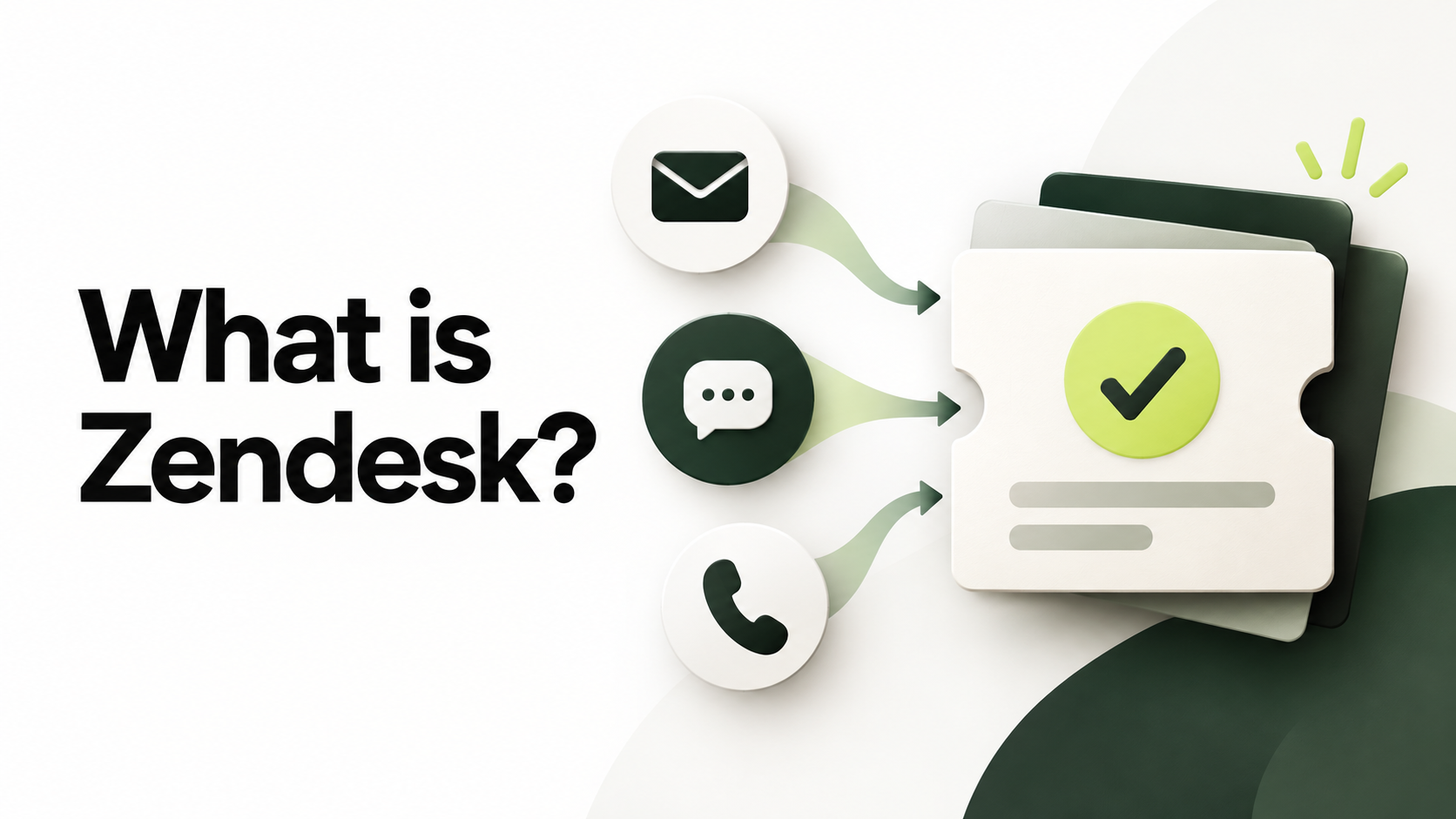
Imagine a customer emails an online store because an order has not arrived. Here is the basic flow:
- Capture the request. Zendesk creates a ticket from the incoming email. Other connected channels can also create tickets, giving the team a shared record of the request.
- Organize the work. The ticket can be assigned to the right agent or group, marked with a priority, and placed in a view. Rules called triggers can handle routine steps, such as routing or notifying the team.
- Resolve and follow up. An agent reviews the conversation and customer context, replies from the workspace, and marks the ticket as solved when the issue is handled. The record remains available if the customer contacts the team again.
That simple sequence is the heart of Zendesk: capture a request, make ownership clear, and keep the response visible until it is resolved.

The Zendesk Features Beginners Should Know
1. Tickets and the Agent Workspace
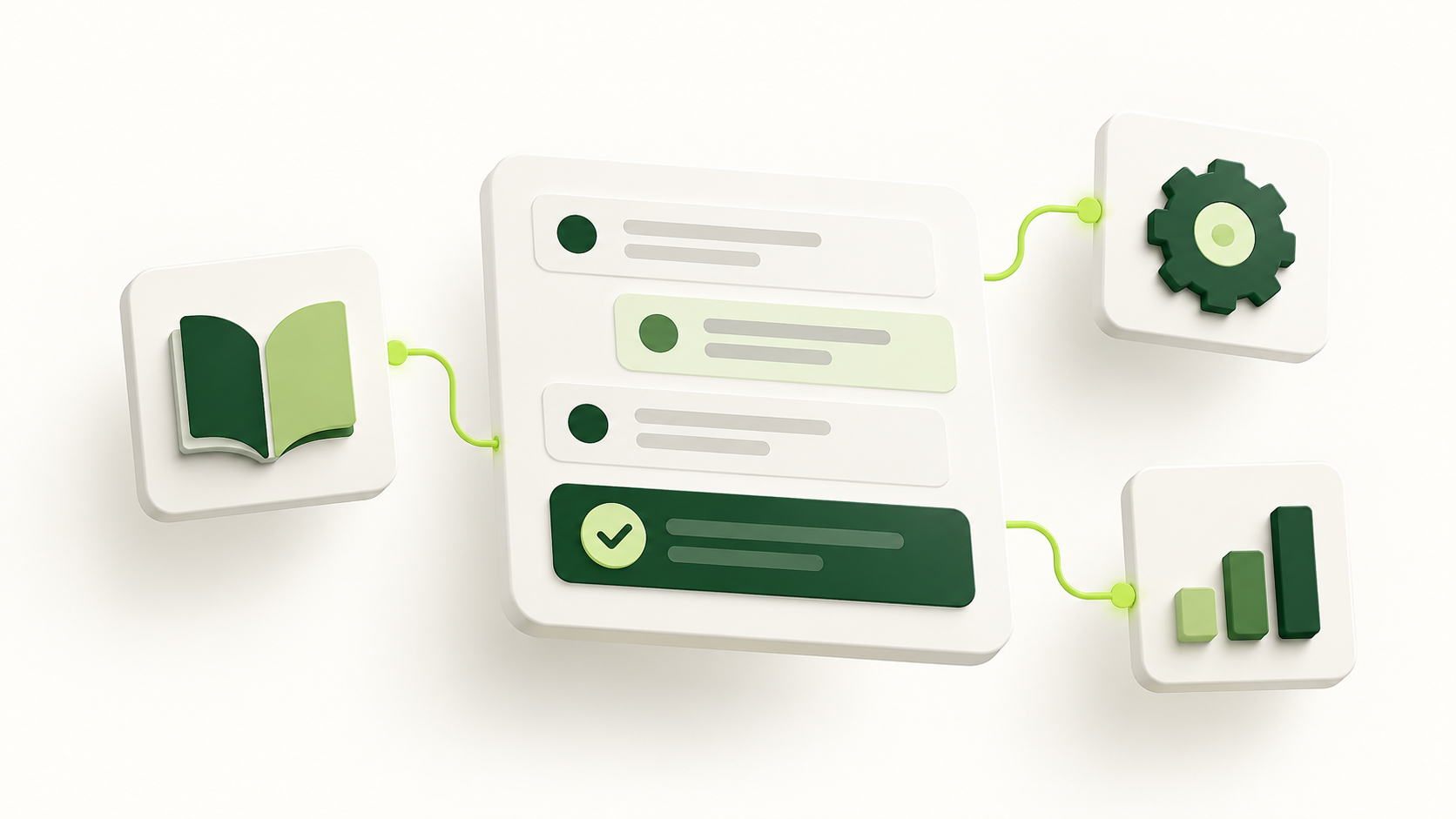
Tickets show the customer message, the assigned agent, status, priority, internal notes, and reply history. The Agent Workspace lets agents work across connected channels in one interface instead of searching separate inboxes for context.
2. Email, Messaging, Live Chat, and Voice
A team can start with email and add channels as its needs grow. Suite plans are designed for support across multiple channels, including messaging, live chat, and voice. Check the plan comparison before assuming a particular channel or capability is included.
3. Triggers, Views, and Macros
A trigger is a rule that runs when a ticket is created or updated. A view groups tickets that meet certain conditions, such as unassigned requests. A macro is a saved set of actions an agent applies to a ticket, often including a prepared response. Used carefully, these tools reduce repetitive sorting and replies.
4. Help Center and Knowledge Base
A Help Center lets you publish answers to common questions. Customers can find guidance before opening a ticket, and agents can share the same articles in their responses. Start with the questions your team answers most often.
5. AI Tools
Zendesk offers AI agents and assistance for support teams, but the included features, optional products, and usage limits vary by plan. You can begin with a clear ticket workflow and consider AI after you understand the questions customers actually ask.
6. Reporting and Integrations
Zendesk Explore provides reporting on support activity, such as ticket volume and response trends. Zendesk also has a marketplace and APIs for connecting other systems. For example, its Salesforce integration can show CRM context alongside Zendesk tickets and make support activity visible to sales teams; configuration and permissions are required.
Who Is Zendesk For
Zendesk can suit a small team that has outgrown a shared email inbox, an online store managing order and return questions, or a larger organization supporting customers across several channels. The common need is a reliable way to assign requests and see what is still waiting for a response.
The best fit depends on support volume and complexity. A team handling a few straightforward emails should compare the basic Support plan with its current process. A team that needs chat, phone, a knowledge base, or more detailed routing should compare the Suite plans.
Zendesk Pricing
Zendesk pricing is mainly based on the plan and the number of agent seats, billed per agent per month. Support plans cover the essentials for support through email, while Suite plans bundle more channels and features. Optional products and some usage charges can increase the total cost. Monthly and annual billing may also differ.
Zendesk currently offers a free trial for 14 days. Before buying, estimate the agents who need access, list the channels you will use, and check whether the features you need are included. See the current Zendesk pricing and plan comparison for the latest terms in your region.
Benefits and Tradeoffs
- Clearer support work. A shared ticket record helps the team see ownership, status, and conversation history.
- Less repetitive work. Views, triggers, and macros can reduce manual sorting and repeated replies once they are set up well.
- More useful information. The Help Center and reporting tools can reveal common questions and support bottlenecks.
There are tradeoffs. Seat and optional product costs rise as the team grows. Advanced routing and automation need time to configure and maintain. A smaller team may use only a fraction of a higher tier plan, so test the workflow with real tickets before committing.
How to Get Started with Zendesk
- Map your support channels. Write down where requests arrive today and choose one primary channel for the first rollout.
- Start a trial and connect that channel. Use a real support email or a test channel, then send a few sample requests to see how tickets appear.
- Invite agents and define ownership. Set up the groups and views your team needs to identify unassigned and urgent tickets.
- Add a small number of rules and saved replies. Create one or two triggers for routing and a few macros for common answers. Check that they behave as intended.
- Publish useful help articles. Write clear answers to recurring questions and link to them from agent replies.
- Review the results. Look at ticket volume, response time, and repeated topics before adding more channels or AI features.
Zendesk provides an official Suite launch guide with the detailed setup tasks if you are ready to configure a full support operation.