

Salesforce Flow is one of the most capable automation tools on the platform. It handles record updates, screen interactions, approvals, orchestrations, and external integrations often with zero code required. But even well-designed flows carry a risk that is easy to overlook until it surfaces in production: when something goes wrong and there is no fault path defined, the flow interview fails completely, the user encounters a system-generated error, and the business process stops. Fault paths are how you prevent that outcome. They are not an advanced feature reserved for complex flows — they are a baseline design requirement for any flow that is meant to be production-ready.
What a Fault Path Actually Is
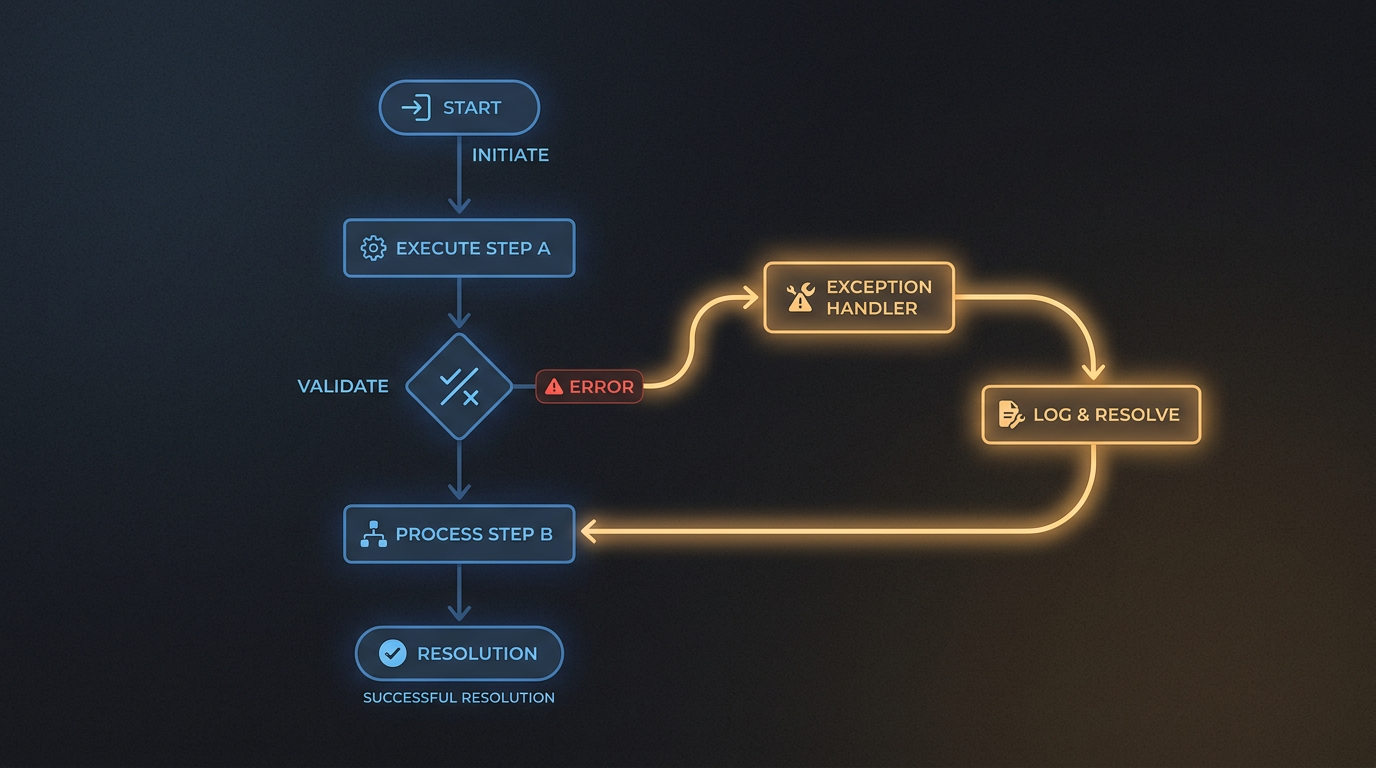
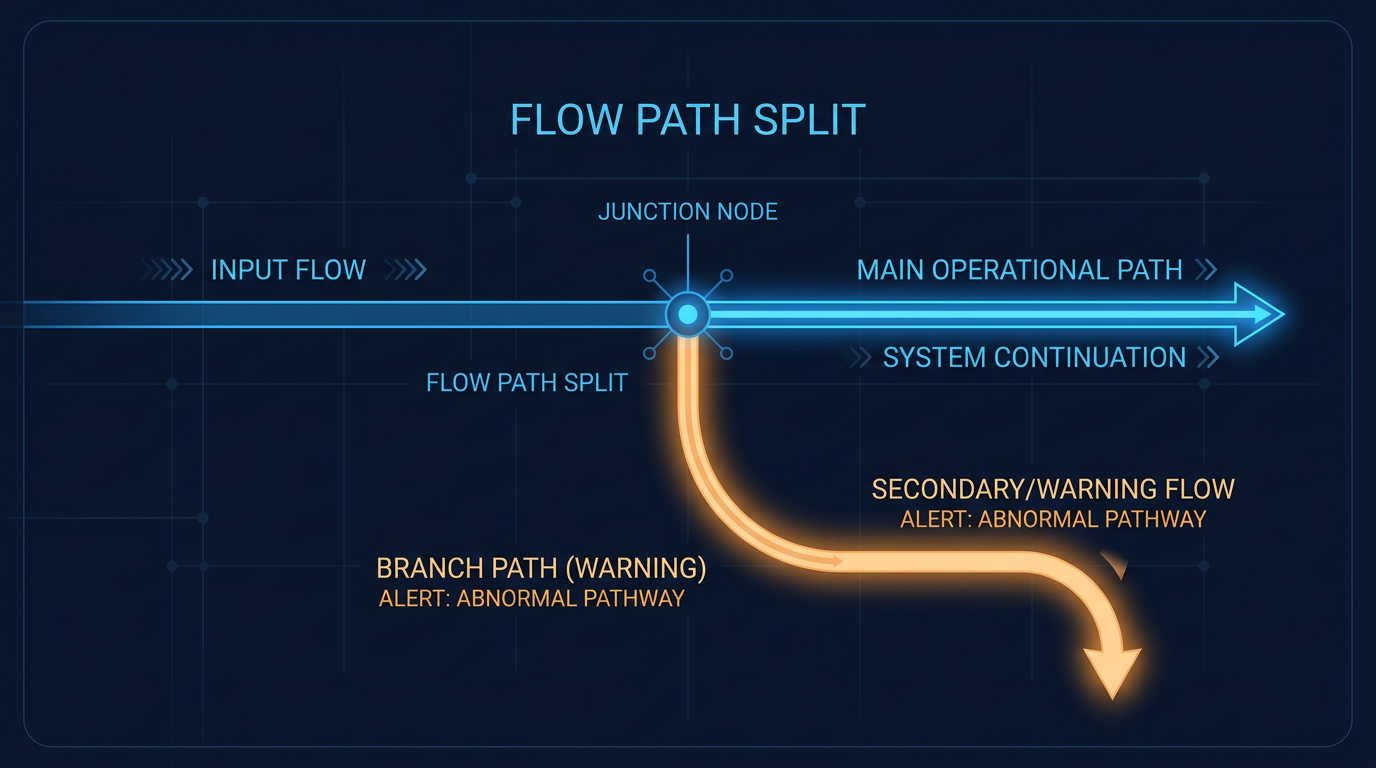
A fault path is a connector attached to a specific flow element that handles any error occurring on that element. When that element encounters a failure a validation rule violation, a permission issue, an API returning an unexpected response the fault path activates instead of allowing the flow interview to terminate. According to Salesforce documentation, a fault path prevents the flow interview from failing, ensures that retries are not automatically attempted, and gives administrators direct control over how the error is handled and what happens next. Rather than a hard stop, the flow follows a defined alternative path that you have deliberately designed to handle the failure gracefully.
Why Fault Paths Are Essential in Practice
Preventing Unexpected Flow Interview Failures
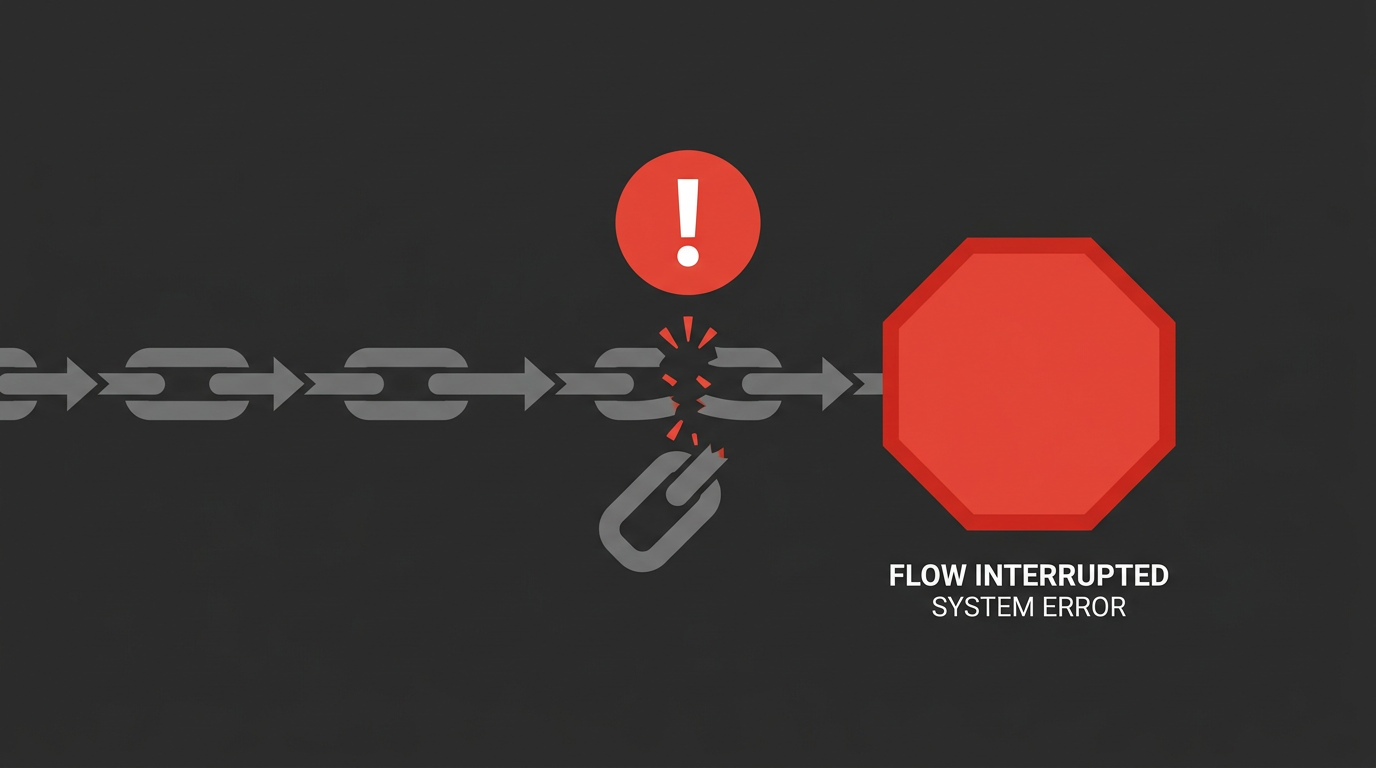
Without a fault path, a flow element failure stops everything. The interview terminates mid-process, the user sees an unhelpful system error, and whatever the flow was meant to accomplish remains incomplete. In a business process where multiple downstream steps depend on the flow completing, a single unhandled error can create compounding problems that take significant time to diagnose and recover from. With a fault path in place, the error is captured at the element level. The flow follows your defined handling logic logging the failure, notifying an admin, or routing to an appropriate resolution rather than simply stopping. The user experience is controlled. The process remains traceable.
Full documentation on troubleshooting flow retries is available at:help.salesforce.com/s/articleView?id=platform.automate_flow_troubleshoot_retries.htm
Handling Errors From External Services
Flows that interact with external services via APIs are particularly vulnerable to failures that have nothing to do with your flow design. API response structures change. Fields get added, removed, or renamed. Integration endpoints go temporarily unavailable. Any of these can cause an element to fail and without a fault path, that failure immediately becomes a broken automation. Salesforce provides specific guidance on using fault paths to handle changes in external service responses, allowing flows to adapt to integration variability without breaking. For any flow that makes external callouts, a fault path on the relevant element is not optional it is the mechanism that makes the integration resilient.
Reference documentation:help.salesforce.com/s/articleView?id=release-notes.rn_customization_ext_services_response_changes.htm
Continuing Flow Execution After a Fault Path Runs
In Flow Approval Processes, a fault path ends with an End element by default which stops the orchestration at that point. Salesforce allows you to use a Go To connector to reconnect the fault path back into the main approval flow, ensuring the orchestration reaches its intended conclusion even when an individual stage encounters an error. This capability is particularly important in complex, multi-stage orchestrations where a single stage failure should not prevent the overall process from completing. Designing fault paths that reconnect to the main flow rather than simply terminating is the difference between error handling that recovers and error handling that merely contains.
Documentation for handling stage errors in Flow Approval Processes:help.salesforce.com/s/articleView?id=platform.automate_automated_approvals_add_error_handling.htm
Fault Paths in Orchestrations
Salesforce has extended fault path support to Flow Orchestrations, enabling stage-level error handling across complex automation sequences. This means that individual orchestration stages can now define their own fault paths catching errors at the right level of granularity without forcing the entire orchestration to fail when one component encounters a problem. For organizations running complex automation across multiple connected flows and orchestration stages, this extension of fault path support significantly improves overall reliability and makes error diagnosis considerably more straightforward.
Salesforce Flow updates and change log:help.salesforce.com/s/articleView?id=release-notes.rn_automate_change_log_week_of_mar_17_2025.htm
Common Use Cases
Fault paths are the right design choice in several recurring scenarios. Logging errors to a custom object gives administrators a queryable record of what failed, when, and on which record making diagnosis and remediation significantly faster. Sending notifications to admins ensures failures surface immediately rather than being discovered after a user complaint. Handling API and integration failures gracefully prevents external dependencies from causing cascading automation failures. Preventing retry loops on known failure scenarios avoids the performance and data integrity problems that uncontrolled retries can cause. And reconnecting fault paths in orchestrations ensures complex processes complete as intended even when individual components encounter errors.
Build Flows That Are Production-Ready
The test of a well-built flow is not whether it works when everything goes right any flow can do that. The test is whether it behaves predictably and recovers gracefully when something goes wrong, because something always eventually will. Fault paths are the mechanism that makes that recovery possible. They give you control over failure scenarios that would otherwise be entirely outside your flow's logic. Every flow element that can fail DML operations, external callouts, approval submissions deserves a fault path. If you are building Salesforce automation intended for production use, fault paths should be part of your design from the beginning, not something added retroactively after the first incident report.