


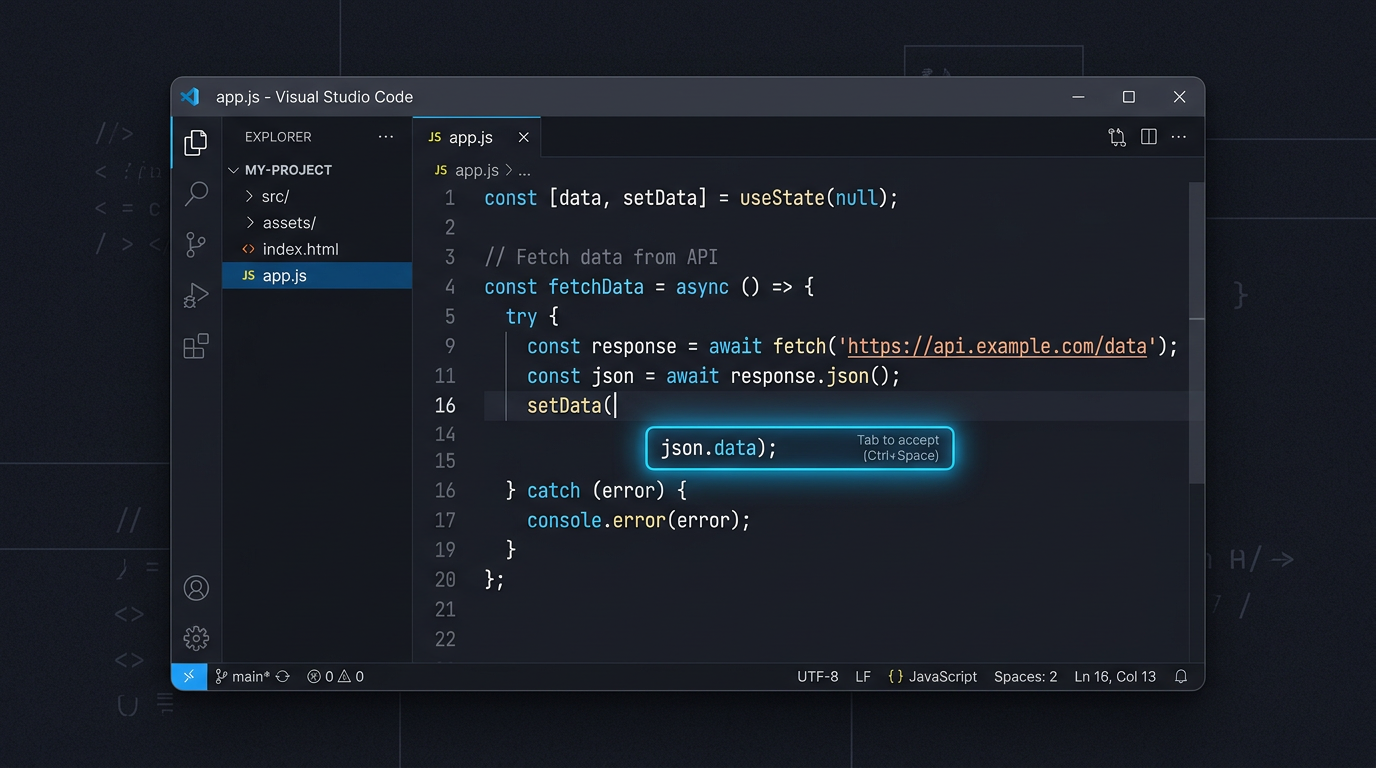
Modern software development has always been about more than typing code quickly. The real challenge is managing cognitive load holding the architecture in your head, tracking context across files, solving the actual problem while simultaneously handling the syntax, boilerplate, and implementation details that surround it. The more of that surrounding work you can offload, the more of your thinking you can direct toward the problems that actually require it. OpenAI Codex integrated into Visual Studio Code addresses exactly this. Not by writing code in place of the developer, but by removing the friction between intent and implementation keeping you in the editor, in the flow, and focused on what you are actually trying to build.
What OpenAI Codex Is
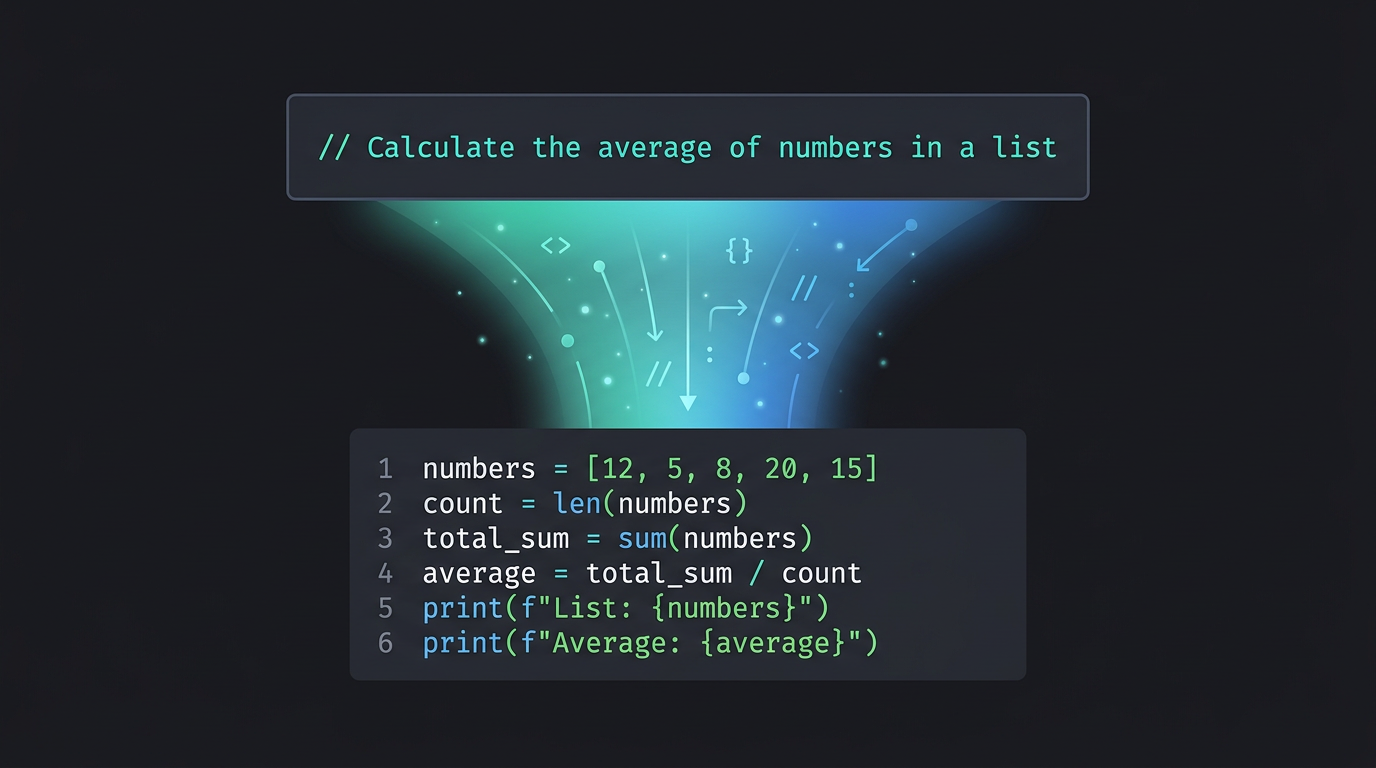
Codex is an AI system trained across a wide range of programming languages and coding patterns. Its defining capability is that it understands both natural language and code simultaneously meaning you can describe what you want in plain English and receive a contextually relevant implementation, or provide existing code and receive an explanation, optimization, or refactored version in return. The important distinction is that Codex is designed as an intelligent assistant, not an autonomous code generator. It works with developer intent, not in place of it.
Why VS Code Is the Right Platform for This
Visual Studio Code is already the most widely used code editor in the world, and its extension ecosystem is what makes it the ideal environment for AI-assisted development. Embedding Codex directly into the editor means AI assistance is available exactly where the work happens no context switching, no browser tabs, no copy-paste loops between tools. Developers stay in their flow state. Codex suggestions appear inline, aware of the current file, the project structure, and the surrounding code. The assistance is contextual rather than generic which is what separates useful AI tooling from noise.
What Codex Actually Does Inside VS Code
Context-Aware Code Generation
Codex understands not just the line you are typing but the broader context of your codebase. Write a comment like // Create a REST endpoint for user registration and Codex generates an implementation that matches your existing framework, follows your file's established patterns, and handles the structure you have already built around it. The output is relevant because the input context is understood.
Intent-Based Autocomplete
Traditional autocomplete predicts syntax the next token, the next method name. Codex predicts intent the full function, the complete logic block, the edge case handling that a thoughtful developer would include. For complex features where the implementation has multiple interacting parts, this difference is significant. You are not completing a line you are getting a meaningful starting point for a complete solution.
Boilerplate and Repetitive Task Automation
A substantial portion of development time goes to code that is necessary but not intellectually demanding CRUD operations, API integrations, test case scaffolding, configuration files. Codex handles these tasks reliably, freeing developer attention for the architectural and problem-solving work that actually requires it. The boilerplate still gets written. It just does not consume the mental energy that more complex work needs.
Code Explanation and Refactoring
Working with legacy code or an unfamiliar codebase is one of the most time-consuming parts of software development. Codex can explain complex logic in plain English, identify opportunities for optimization, and refactor code for improved readability or performance. During onboarding, code reviews, or any situation where understanding existing code quickly matters, this capability reduces hours of reading into minutes of comprehension.
The Real Value Is Focus, Not Speed
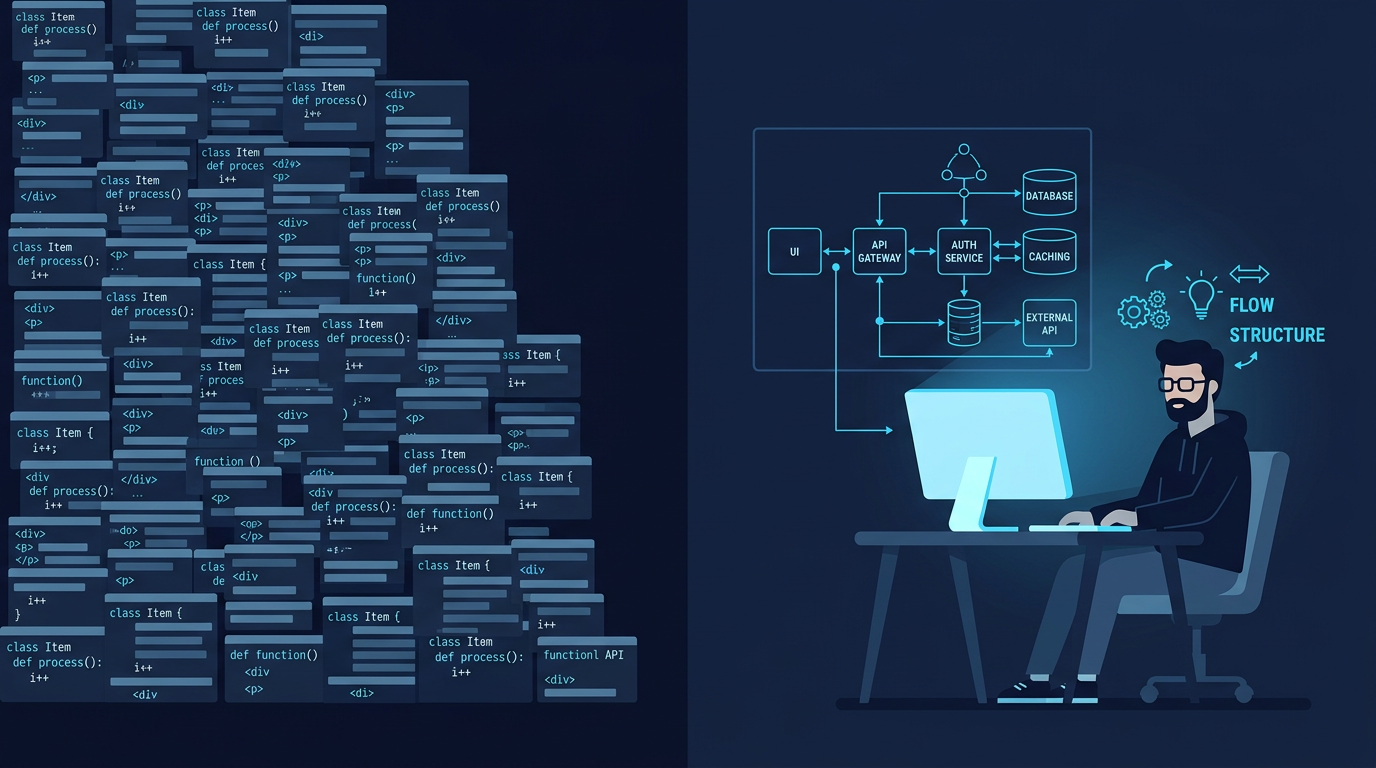
The most commonly cited benefit of AI coding tools is speed and Codex does make certain tasks faster. But speed is not actually the most important outcome. Focus is. Every time a developer leaves the editor to search for a solution, check documentation, or look up a syntax pattern, there is a context-switching cost that goes beyond the time spent. The mental model of what they were building gets partially disrupted, and rebuilding it takes longer than the search itself. Codex reduces the frequency of those interruptions. Less time spent searching. More time on architecture and design decisions. Faster prototyping without losing ownership of the code being produced. The benefit compounds over a full working day in ways that raw speed metrics do not capture.
How to Use Codex Effectively
Treat every Codex suggestion as a starting point rather than a finished output. Generated code is a first draft review it, test it, and apply your own engineering judgment before treating it as production-ready. Write clear and specific prompts when using Codex for generation the quality of the output correlates directly with the specificity of the input. And combine Codex with strong engineering principles rather than allowing it to substitute for them. The tool amplifies good development practice; it does not replace the need for it.
The Shift This Represents
Codex in VS Code is part of a broader shift in how developers interact with their tools — from editors that execute instructions to environments that understand intent. The future of software development is not AI generating code autonomously while developers supervise passively. It is developers working alongside AI that handles the mechanical and repetitive layer of the work, freeing human intelligence for the creative, architectural, and judgment-intensive work that produces genuinely good software. Used correctly, Codex is not a replacement for the developer. It is what the developer's tools should have been doing all along — getting out of the way of the actual thinking, and helping with everything else.